-
Shop
- Advanced Technologies
- AI Career Advantage Collection
- AI Skills Mastery 2026 Collection
- Arts, Crafts & Hobbies
- Bathroom
- Best-Sellers
- Car Accessories
- Dating & Social Skills
- Denim
- 7FOR
- AGOLDE
- Antony Morato
- Armani Exchange
- Boss
- Brunello Cucinelli
- Calvin Klein Jeans
- Costume National
- Desigual
- Diesel
- Dolce & Gabbana
- Dsquared²
- Ermanno Scervino
- Fendi
- Gianni Lupo
- Guess Jeans
- Ichi
- Just Cavalli
- Lee
- Levi's
- Liu Jo
- Morgan De Toi
- Mother Denim
- Only
- Pepe Jeans
- Pinko
- Replay
- Valentino
- Vero Moda
- Digital Resources
- Education & Learning
- Family & Parenting
- Fashion
- Furniture
- Gadgets
- Health & Beauty
- Health & Wellness
- Home & Garden
- Kids & Babies
- Kitchen
- Lighting
- Patio, Lawn & Garden
- Personal Growth
- Pet Care
- Pet Supplies
- Pets
- Sport & Outdoors
- TikTok Growth & Monetization Mastery
- Travel
- Wealth
- Popular
- Best deals
AI in HR: Checklist for Recruiting, Onboarding & Engagement
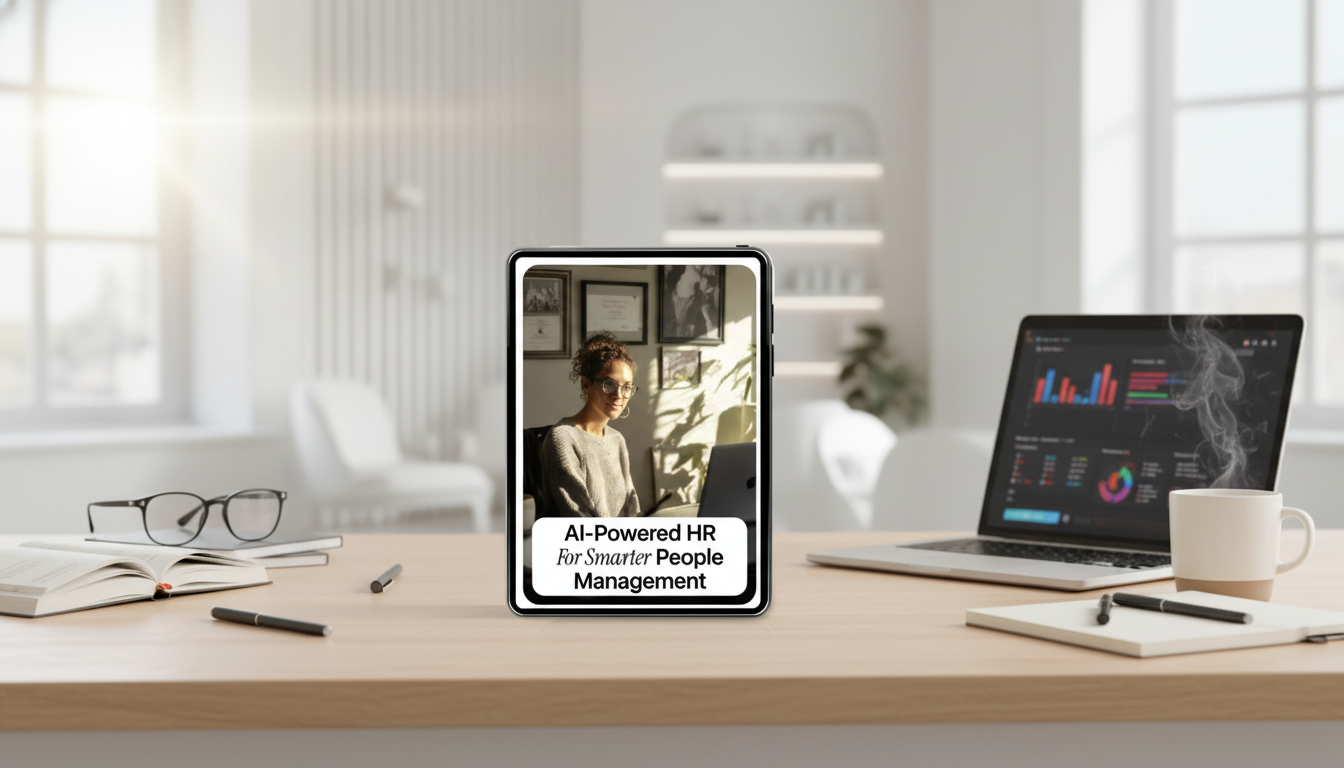
AI-Powered HR for Smarter People Management: Practical Checklist for Recruiting, Onboarding, and Engagement
AI can remove busywork from HR while improving consistency, speed, and employee experience—if it’s applied to the right workflows with the right guardrails. The most successful teams treat AI as an assistant for drafting, summarizing, routing, and analysis, while keeping people accountable for decisions that affect someone’s job, pay, or opportunities.
Below is a practical checklist of high-impact use cases across recruiting, onboarding, and engagement, plus setup steps to keep data secure, decisions fair, and outcomes measurable.
Where AI Helps Most in HR (and Where It Shouldn’t Decide Alone)
AI performs best in high-volume, repeatable work with clear inputs and outputs—think drafting, summarizing, classification, routing, scheduling, and structured extraction. These workflows benefit from speed and consistency, and the risk is manageable when outputs are verified.
HR still needs humans for final hiring decisions, disciplinary action, sensitive employee relations, and any decision that materially affects someone’s employment without review. Use AI for recommendations, not verdicts: keep “human-in-the-loop” for screening thresholds, exceptions, and policy interpretation.
Define unacceptable uses upfront, such as inferring health status, predicting protected characteristics, or covert monitoring. If a use case would feel uncomfortable to explain to a candidate or employee, it likely needs stronger governance—or shouldn’t be deployed at all.
Quick Setup Checklist: Tools, Access, and Governance
1) Inventory workflows before buying tools
List the top 10 most time-consuming HR processes and capture volume, cycle time, error rate, and stakeholder pain points. This helps prioritize “boring but valuable” tasks where AI can deliver reliable wins.
2) Set data access rules people can follow
Define what may be entered into AI tools: public information vs. internal vs. confidential vs. regulated. Make the rules concrete (examples of what’s allowed and what isn’t) so teams don’t guess under deadline pressure.
3) Use role-based permissions
Restrict access to prompt logs, candidate data, and employee files to need-to-know roles. HR, legal/privacy, and IT/security should align on what is stored, who can see it, and how long it’s retained.
4) Review vendors like you mean it
Confirm data retention policies, whether inputs are used for model training, security standards, and audit options. For risk framing, align practices with resources like the NIST AI Risk Management Framework.
5) Assign governance owners
Name one HR owner, one legal/privacy owner, and one IT/security owner for approvals and escalations. Clarity here prevents stalled rollouts and inconsistent rules across teams.
Recruiting Use Cases Checklist (Speed Without Losing Quality)
Recruiting is packed with repeatable steps that benefit from faster drafting and more consistent structure—without outsourcing judgment. The goal is to give recruiters and hiring managers better materials and cleaner workflows, not to automate accountability.
- Job description drafting: Generate role summaries, requirements, and inclusive language variants; validate against leveling and compensation bands.
- Candidate outreach: Create personalized templates by role, location, and seniority; A/B test ethically and avoid misleading urgency.
- Resume/profile summarization: Produce consistent one-page summaries while ensuring reviewers can access original source materials.
- Interview kits: Build structured questions aligned to competencies; add scoring rubrics and red-flag guidance.
- Scheduling/coordination: Automate time zone handling, calendar options, and reminders.
- Post-interview synthesis: Summarize panel notes into themes; require reviewers to confirm accuracy before sharing.
Recruiting AI Checklist: Inputs, Outputs, and Safeguards
| Workflow | AI can help with | Required human check | Risk to manage |
|---|---|---|---|
| Job descriptions | Drafting, rewriting, inclusive language suggestions | Confirm role level, legal wording, essential functions | Hidden bias, misleading requirements |
| Screening support | Summaries, skill extraction, routing rules | Review edge cases and final shortlist criteria | Disparate impact, over-reliance on proxies |
| Interview kits | Competency questions, rubrics, scorecards | Validate relevance to role and consistency across candidates | Inconsistent evaluation, leading questions |
| Candidate comms | Templates, tone adjustments, follow-ups | Confirm promises, timelines, and compensation disclosures | Misrepresentation, privacy leaks |
| Debriefs | Theme extraction, consolidated notes | Check against raw notes; correct inaccuracies | Hallucinations, misattribution |
Onboarding Use Cases Checklist (Faster Ramp, Fewer Missed Steps)
Onboarding is where missed steps compound: delayed access, unclear expectations, repeated tickets, and managers reinventing the wheel. AI can standardize the experience while letting leaders personalize what matters.
Employee Engagement and Retention Use Cases Checklist
Fairness, Privacy, and Compliance Guardrails
For evolving expectations, track guidance from the EEOC AI and Algorithmic Fairness initiative and broader governance principles like the OECD AI Principles.
Measuring Impact: KPIs to Track in 30 Days
Practical Worksheet: Turning Use Cases into a 2-Week Pilot
Featured Resources (In Stock)
- AI-Powered HR for Smarter People Management | Practical Checklist for ai use cases for human resources, Recruiting, Onboarding & Employee Engagement
- Ready for Winter Ready for Anything – Winter Sport Gear Basics eBook, Complete Cold Weather Gear Guide, Layering & Equipment Checklist for Winter Sports
FAQ
Can AI be used to screen candidates automatically?
AI can support screening by summarizing resumes, extracting skills, and routing candidates to the right recruiter, but shortlists and decisions should be reviewed and owned by humans. Document the criteria, test for bias, and require exception handling for edge cases.
What data should never be entered into an AI tool for HR work?
Avoid sensitive identifiers and regulated data unless a formally approved system and process is in place, including items like government IDs, medical details, financial account information, and highly confidential employee relations notes. Use data minimization and anonymization, and follow internal policies for approved tools and retention.
How can HR teams start with AI in a low-risk way?
Start with drafting and summarization tasks (job descriptions, interview kits, policy article updates) where a human can easily verify outputs. Run a small pilot with clear metrics, approvals, and standardized templates before expanding to higher-stakes workflows.
Recommended for you

Bad Alternator vs Bad Battery: Test It in Minutes
May 16, 2026












Leave a comment