-
Shop
- Advanced Technologies
- AI Career Advantage Collection
- AI Skills Mastery 2026 Collection
- Arts, Crafts & Hobbies
- Bathroom
- Best-Sellers
- Car Accessories
- Dating & Social Skills
- Denim
- 7FOR
- AGOLDE
- Antony Morato
- Armani Exchange
- Boss
- Brunello Cucinelli
- Calvin Klein Jeans
- Costume National
- Desigual
- Diesel
- Dolce & Gabbana
- Dsquared²
- Ermanno Scervino
- Fendi
- Gianni Lupo
- Guess Jeans
- Ichi
- Just Cavalli
- Lee
- Levi's
- Liu Jo
- Morgan De Toi
- Mother Denim
- Only
- Pepe Jeans
- Pinko
- Replay
- Valentino
- Vero Moda
- Digital Resources
- Education & Learning
- Family & Parenting
- Fashion
- Furniture
- Gadgets
- Health & Beauty
- Health & Wellness
- Home & Garden
- Kids & Babies
- Kitchen
- Lighting
- Patio, Lawn & Garden
- Personal Growth
- Pet Care
- Pet Supplies
- Pets
- Sport & Outdoors
- TikTok Growth & Monetization Mastery
- Travel
- Wealth
- Popular
- Best deals
Pair an IPX7 Bluetooth Speaker: Quick Steps & Fixes
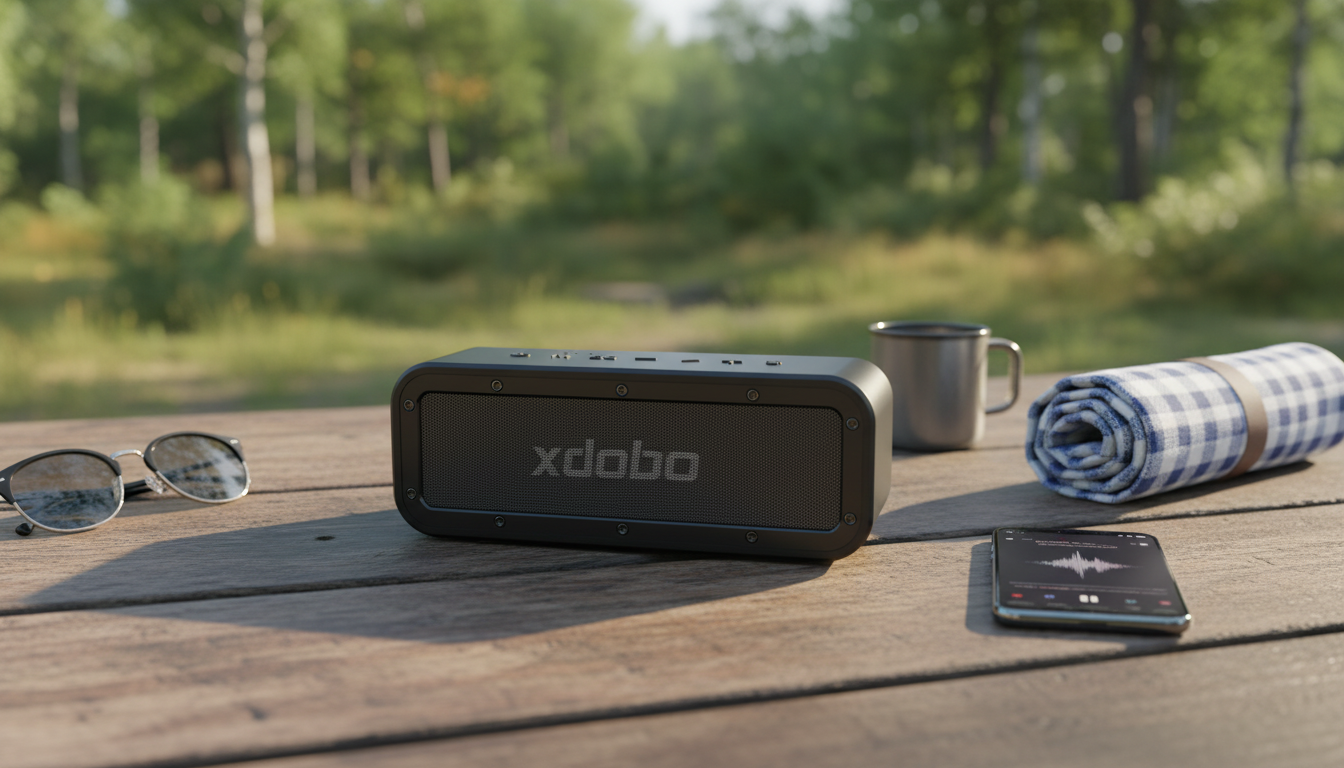
How to pair an IPX7 speaker?
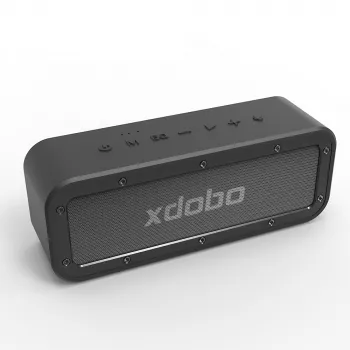
Pairing an IPX7-rated Bluetooth speaker is usually the same as pairing any other portable speaker—the IPX7 part simply means it can handle being submerged in water (typically up to 1 meter for about 30 minutes). The exact button labels can vary by model, but the process below works for most IPX7 outdoor speakers.
Step-by-step: Bluetooth pairing
1) Charge and power on the speaker. A low battery can cause pairing drops, so top it off first if possible.
2) Put the speaker into pairing mode. Many speakers enter pairing mode automatically the first time they’re powered on. Otherwise, press and hold the Bluetooth button (or the Power button on some models) until you hear a tone or see a flashing Bluetooth LED.
3) Open Bluetooth settings on your phone/tablet. On iPhone: Settings > Bluetooth. On Android: Settings > Connected devices (or Bluetooth).
4) Select the speaker name from the list. Tap it to connect. If prompted for a PIN, try 0000 or 1234 (many speakers won’t require one).
5) Confirm it’s connected. You should hear a confirmation sound, and the speaker’s Bluetooth light often turns solid instead of flashing.
If it won’t pair, try these quick fixes
Clear old connections: Turn off Bluetooth on nearby devices that may be auto-connecting, or “Forget” the speaker in your phone’s Bluetooth list and reconnect.
Move closer: Pair within a few feet to avoid interference, then you can move to normal listening range.
Restart both devices: Power-cycle the speaker and your phone, then try again.
Reset the speaker (if available): Some models have a reset pinhole or a button combo (often Bluetooth + Volume Down). Check your manual for the exact reset method.
Want true wireless stereo (TWS) pairing between two speakers?
Many IPX7 speakers support TWS so you can link two identical speakers for left/right stereo. For model-specific steps and outdoor setup tips, see the full guide here: https://fatelle.com/guide-50w-bluetooth-speaker-outdoors-ipx7-tws-stereo/.
FAQ
How do I reset an IPX7 Bluetooth speaker?
Look for a reset button or a button combination (often holding Bluetooth or pairing plus a volume key for several seconds) until the speaker restarts or beeps. If there’s no reset option, forgetting the device in your phone’s Bluetooth settings and power-cycling the speaker can also clear connection issues.











Leave a comment