-
Shop
- Advanced Technologies
- AI Career Advantage Collection
- AI Skills Mastery 2026 Collection
- Arts, Crafts & Hobbies
- Bathroom
- Best-Sellers
- Car Accessories
- Dating & Social Skills
- Denim
- 7FOR
- AGOLDE
- Antony Morato
- Armani Exchange
- Boss
- Brunello Cucinelli
- Calvin Klein Jeans
- Costume National
- Desigual
- Diesel
- Dolce & Gabbana
- Dsquared²
- Ermanno Scervino
- Fendi
- Gianni Lupo
- Guess Jeans
- Ichi
- Just Cavalli
- Lee
- Levi's
- Liu Jo
- Morgan De Toi
- Mother Denim
- Only
- Pepe Jeans
- Pinko
- Replay
- Valentino
- Vero Moda
- Digital Resources
- Education & Learning
- Family & Parenting
- Fashion
- Furniture
- Gadgets
- Health & Beauty
- Health & Wellness
- Home & Garden
- Kids & Babies
- Kitchen
- Lighting
- Patio, Lawn & Garden
- Personal Growth
- Pet Care
- Pet Supplies
- Pets
- Sport & Outdoors
- TikTok Growth & Monetization Mastery
- Travel
- Wealth
- Popular
- Best deals
How to Pair an IPX7 Waterproof Speaker (Fast Fixes)
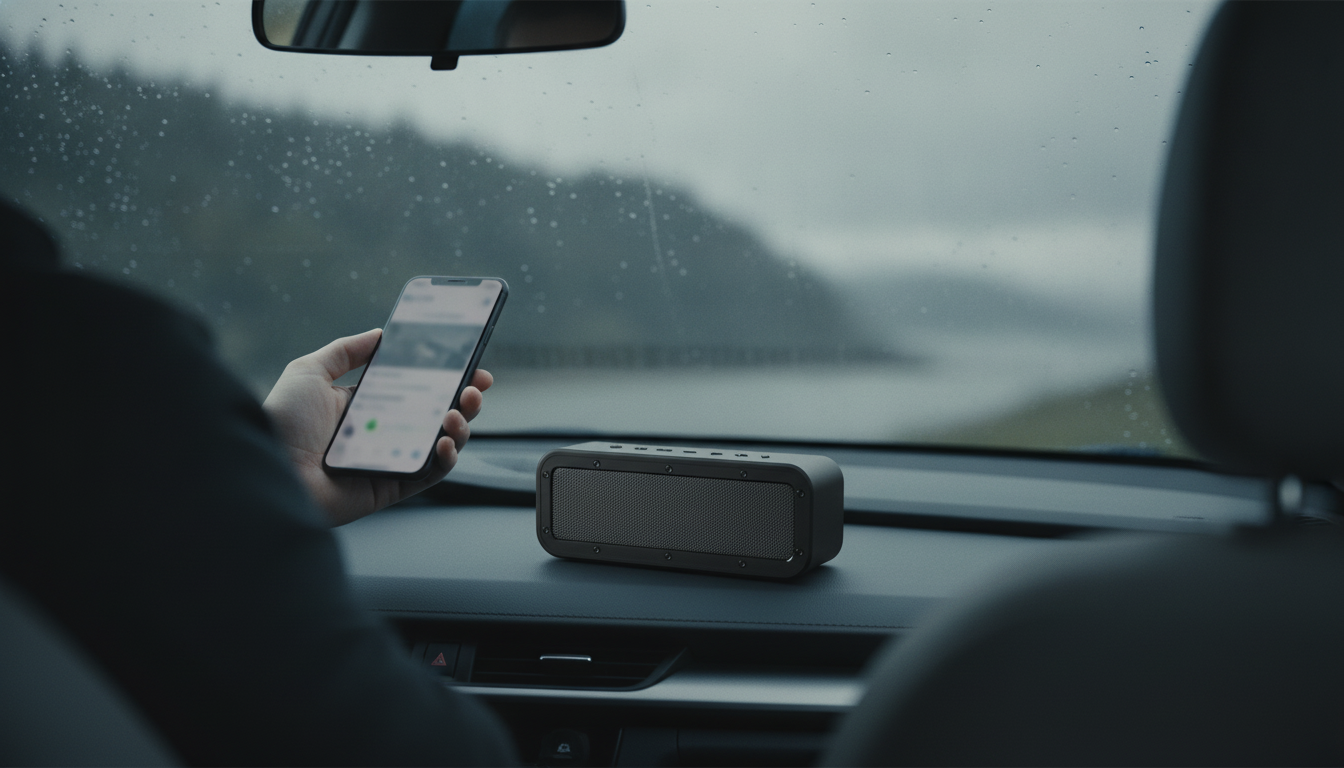
How to Pair an IPX7 Waterproof Speaker?
Pairing an IPX7 waterproof speaker is usually the same as pairing any Bluetooth speaker, with a few practical checks so it connects quickly and stays stable outdoors. Start by charging the speaker (low battery can cause pairing drops). If it was recently used with another device, clear your phone’s Bluetooth list of old connections or power-cycle the speaker to avoid it auto-reconnecting elsewhere.
Step-by-step pairing
1) Turn the speaker on. Press and hold the power button until you hear a tone or see the status light turn on.
2) Put it in Bluetooth pairing mode. Many speakers enter pairing mode automatically on first power-up. If not, press the Bluetooth/pair button until the indicator blinks (often blue/white) or a voice prompt says “pairing.”
3) Open Bluetooth settings on your phone/tablet. On iPhone: Settings > Bluetooth. On Android: Settings > Connected devices (or Bluetooth). Make sure Bluetooth is enabled.
4) Select the speaker name. Tap the speaker in the device list (often the brand/model name). If prompted for a PIN, try 0000 or 1234 (many modern speakers won’t require one).
5) Confirm it’s connected. The speaker light usually turns solid, and your device will show “Connected.” Play audio and raise volume on both the device and speaker.
If it won’t pair
Move within 3–6 feet, turn off Bluetooth on nearby devices, and try again. If the speaker still won’t show up, forget the device on your phone (if it’s listed), then restart both phone and speaker. Many IPX7 speakers also have a reset function (often holding Power + Bluetooth or a dedicated reset pinhole) to clear stored pairings.
Want true wireless stereo (TWS)?
Some IPX7 waterproof speakers support TWS to link two speakers for left/right stereo. Typically you pair one speaker to your phone first, then press the TWS/Link button on both speakers to sync them. For a deeper walkthrough and outdoor setup tips, see the full guide here: https://fatelle.com/guide-50w-bluetooth-speaker-outdoors-ipx7-tws-stereo/.
FAQ
How do I reset a waterproof Bluetooth speaker?
Check the manual for the exact combo, but many models reset by holding the Power and Bluetooth buttons for 5–10 seconds or using a reset pinhole. After resetting, re-enter pairing mode and connect again from your phone’s Bluetooth menu.
Recommended for you
AI Packing List System: Pack Lighter, Forget Nothing
Jul 17, 2026












Leave a comment