-
Shop
- Advanced Technologies
- AI Career Advantage Collection
- AI Skills Mastery 2026 Collection
- Arts, Crafts & Hobbies
- Bathroom
- Best-Sellers
- Car Accessories
- Dating & Social Skills
- Denim
- 7FOR
- AGOLDE
- Antony Morato
- Armani Exchange
- Boss
- Brunello Cucinelli
- Calvin Klein Jeans
- Costume National
- Desigual
- Diesel
- Dolce & Gabbana
- Dsquared²
- Ermanno Scervino
- Fendi
- Gianni Lupo
- Guess Jeans
- Ichi
- Just Cavalli
- Lee
- Levi's
- Liu Jo
- Morgan De Toi
- Mother Denim
- Only
- Pepe Jeans
- Pinko
- Replay
- Valentino
- Vero Moda
- Digital Resources
- Education & Learning
- Family & Parenting
- Fashion
- Furniture
- Gadgets
- Health & Beauty
- Health & Wellness
- Home & Garden
- Kids & Babies
- Kitchen
- Lighting
- Patio, Lawn & Garden
- Personal Growth
- Pet Care
- Pet Supplies
- Pets
- Sport & Outdoors
- TikTok Growth & Monetization Mastery
- Travel
- Wealth
- Popular
- Best deals
Smart Device Checklist: Easy Home Automation by Room
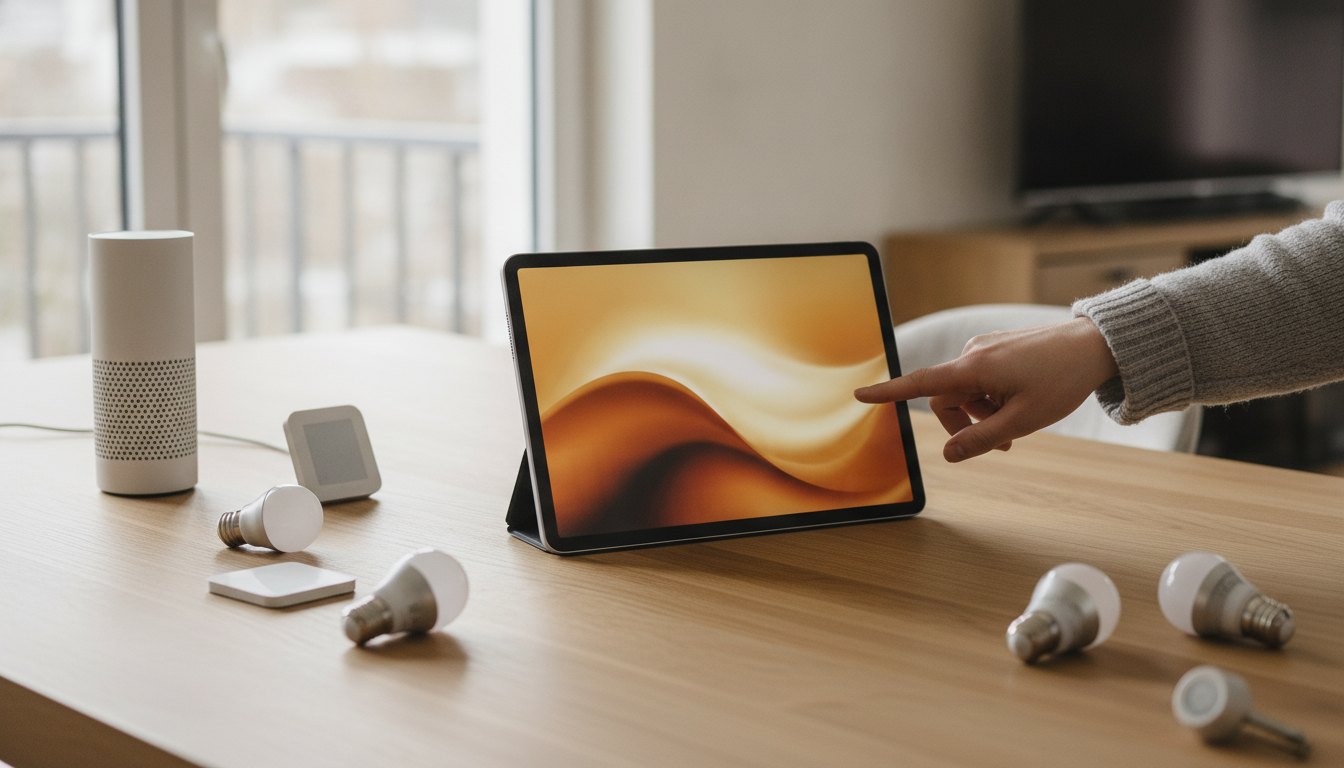
Must-Try Smart Device Ideas Checklist for Easy Home Automation
A smart home gets easier when device choices follow a simple plan: start with comfort and safety wins, then connect everything with routines that actually fit daily life. This checklist-style guide maps out practical smart device ideas by room and goal, plus a quick way to prioritize what to buy next without overcomplicating the setup.
What a smart device checklist helps decide
A checklist keeps home automation focused on outcomes, not gadgets. It helps identify high-impact upgrades first—typically lighting, climate, entry, and basic safety—so the setup feels useful from day one.
- Spot high-impact upgrades first: lighting, thermostat control, entry access, and safety sensors usually deliver the biggest daily payoff.
- Avoid ecosystem duplicates: picking a primary voice assistant or hub early prevents ending up with overlapping apps and incompatible devices.
- Match devices to real routines: wake-up, leaving home, bedtime, guests, and travel are the moments where automation feels natural.
- Keep privacy and reliability in scope: consider local control options, strong passwords, and ongoing firmware updates before scaling up.
Quick-start: pick a hub and a standard before buying devices
The easiest way to reduce “why won’t this connect?” frustration is to decide how everything will be controlled before the shopping cart fills up.
- Choose one main control layer: Apple Home, Google Home, Amazon Alexa, or a dedicated hub if advanced automations matter most.
- Prefer modern interoperability standards: Matter (and Thread where relevant) can reduce compatibility headaches across brands. Learn more at the Connectivity Standards Alliance: Matter.
- Plan Wi‑Fi capacity: smart homes often benefit from a mesh router and a separate guest network for IoT devices.
- Decide what must work offline: locks, lights, and alarms are better when they have local control or local automations.
Room-by-room smart device ideas (simple wins first)
Start with one or two devices per area, confirm reliability, then layer on routines. The goal is fewer “smart” steps, not more.
- Entryway: video doorbell, smart lock, smart porch light, contact sensor for doors.
- Living room: smart plugs for lamps, smart dimmers, smart TV control, occupancy sensor for lighting scenes.
- Kitchen: smart smoke/CO alarms, leak sensors under sink/dishwasher, smart plug for a coffee maker, air quality monitor.
- Bedrooms: sunrise lighting routine, smart thermostat schedule, white-noise smart speaker, blackout automation via smart shades.
- Bathrooms/laundry: humidity-based fan control, leak sensors near toilet/washer, smart water shutoff (advanced upgrade).
- Garage/outdoors: smart garage controller, motion lighting, outdoor cameras, weather-resistant smart plugs for seasonal decor.
Room-by-room priority checklist
| Area | Best first device | Why it helps | Automation idea |
|---|---|---|---|
| Entryway | Smart lock or doorbell | Convenience and security | Auto-lock at night + notify on unlock |
| Living room | Smart plugs for lamps | Fast comfort upgrade | Turn on at sunset; off at bedtime |
| Kitchen | Leak sensor | Prevents costly damage | Alert + flash lights when leak detected |
| Bedroom | Smart lighting | Better sleep routine | Gentle wake-up lights + bedtime dimming |
| Bathroom/Laundry | Humidity sensor or leak sensor | Air quality + damage prevention | Fan on at high humidity; leak alerts |
| Garage/Outdoors | Motion lighting | Safety + deterrence | Lights on with motion after dark |
Automation ideas that feel “smart” (not complicated)
The best automations reduce decisions. Keep routines simple, name them clearly, and avoid stacking too many triggers at first.
- Leaving home: turn off non-essential lights, adjust the thermostat, arm sensors/cameras, and lock doors.
- Arriving home: entry lights on, thermostat comfort mode, and clear notifications for door opens or deliveries.
- Night mode: lock doors, set a hallway nightlight at low brightness, and reduce the thermostat slightly.
- Vacation mode: randomize a few lights, enable enhanced alerts for doors/leaks, and pause non-critical automations.
- Guest mode: disable bedroom automations and keep common-area controls easy and predictable.
Safety, privacy, and reliability checks before turning everything on
Smart homes should be resilient and respectful of privacy. A few upfront settings prevent a lot of downstream problems.
For deeper guidance on consumer IoT security baselines, see NISTIR 8425A and CISA’s Secure Our World recommendations.
Making the checklist actionable: a simple scoring method
Prioritization scorecard
| Idea | Impact (1–5) | Effort (1–5) | Compatibility (1–5) | Next step |
|---|---|---|---|---|
| Smart plugs for lamps | 4 | 1 | 5 | Buy 2–4 and build sunset/bedtime routine |
| Leak sensors | 5 | 1 | 4 | Place under sinks/washer; enable alerts |
| Smart thermostat | 4 | 3 | 4 | Set schedules; add presence-based comfort mode |
| Smart lock | 4 | 3 | 4 | Set codes; enable auto-lock and notifications |
Digital download checklist: what to expect and how to use it
Recommended planning tool: Must-Try Smart Device Ideas Checklist digital download.
For physical security layers in garages or outdoor storage (especially alongside smart cameras and motion lighting), consider pairing automation with a sturdy manual deterrent like the
Heavy-Duty 4-Digit Chain Lock for Bikes, E-Bikes & Motorcycles.
FAQ
What are the best first smart home devices to buy?
Start with smart plugs or smart bulbs/dimmers for quick comfort wins, then add leak sensors for damage prevention. After that, a smart thermostat and a smart lock tend to deliver the best day-to-day convenience if they match your chosen hub.
Do smart home devices need a hub to work?
Many devices work over Wi‑Fi with their own app, but a hub can unify control, improve reliability, and enable stronger automations. Choosing Matter/Thread-capable devices can also reduce cross-brand compatibility issues.
How can a smart home be set up more securely?
Use unique passwords and 2FA, keep your router and devices updated, and place cameras thoughtfully to protect privacy. When possible, put IoT devices on a separate network and keep manual overrides (keys, switches) available.
Recommended for you



AI-Proof Jobs by 2030: Roles Hard to Automate
Jun 26, 2026












Leave a comment